AI Calendar Sync - Outlook to Google Calendar Automation

Stop Double Booking Meetings Across Calendars — Automatically
CalsyncX syncs your Google, Outlook & work calendars in real-time so you never miss a meeting again.
See it in action
Watch how Calsyncx works
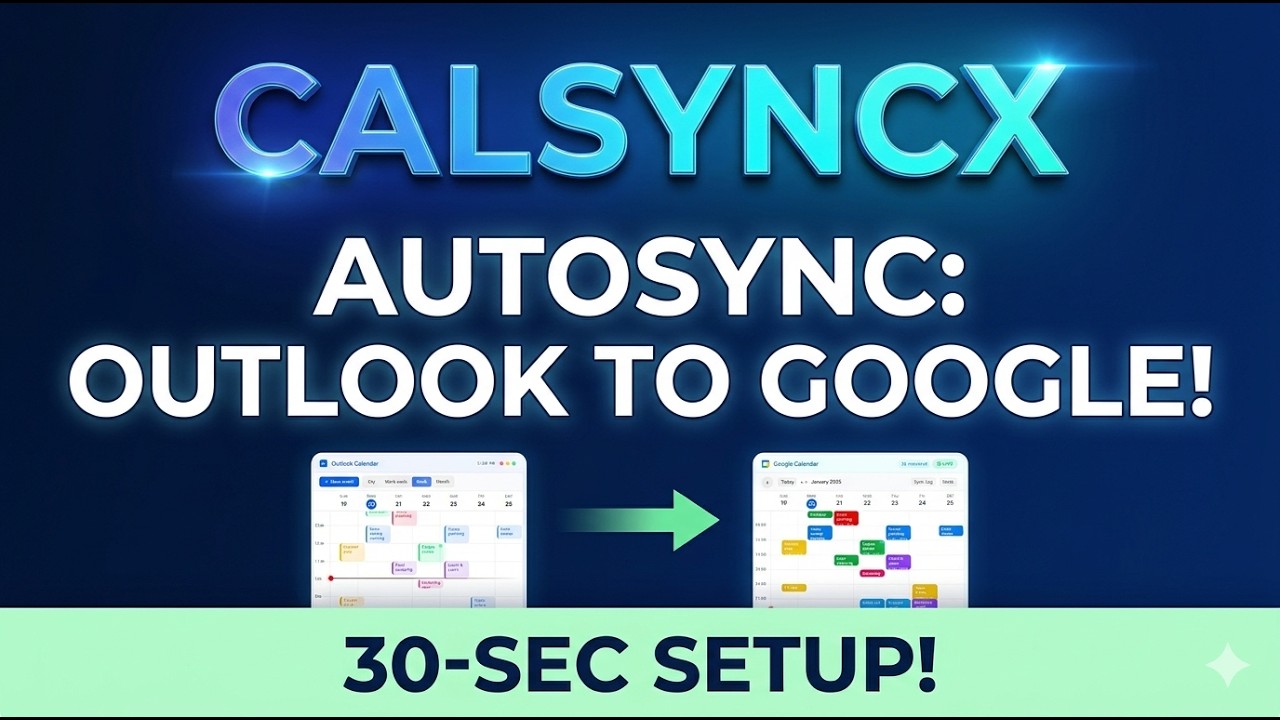
From connecting your accounts to watching events appear in real time — the whole setup takes under 30 seconds.
How it works
Set up in under 30 seconds
No configuration files. No manual exports. Just connect once and your calendars stay in sync forever.
Sign in with Google
Connect your Google account so Calsyncx can write synced events directly to your Google Calendar.
Connect your Outlook Calendar
Paste your Outlook calendar publish link. No password needed — just a read-only URL from Outlook.com.
Sync runs automatically
Calsyncx monitors your Outlook calendar in the background and mirrors every event to Google in real time.
That's it — you're done.
Calsyncx runs silently in the background. Any event created, updated, or deleted in Outlook will be reflected in your Google Calendar automatically.
Automation Engine
Intelligent calendar automation that works 24/7
Calsyncx uses advanced AI to detect, transform, and sync calendar events between Outlook and Google Calendar — automatically, securely, and in real time.
AI-Powered Event Detection
Our intelligent engine continuously monitors your Outlook calendar for new events, updates, and cancellations — then automatically mirrors every change to Google Calendar without any manual intervention.
Real-Time Bi-Directional Sync
Events sync within 2 seconds of creation. Whether you schedule a meeting in Outlook or update an existing event, changes propagate instantly to your Google Calendar — keeping both calendars perfectly aligned.
Zero-Credential Security Model
Calsyncx never stores your passwords. We use read-only ICS publish links from Outlook and OAuth2 tokens for Google — a secure, privacy-first architecture trusted by enterprise teams worldwide.
Sync Pipeline
AI Features
Everything you need for seamless AI calendar sync
Built for reliability, powered by AI. Calsyncx handles complex scheduling automation so you don't have to.
Real-time AI Sync
Events automatically transfer to Google Calendar in milliseconds. Say goodbye to manual scheduling.
Secure & Smart Automation
Our AI engine uses secure, read-only ICS publish links. Your credentials stay 100% private.
24/7 Intelligent Monitoring
Calsyncx watches your Outlook calendar around the clock, intelligently syncing any modifications.
Smart Notifications
Get AI-driven notifications when scheduling encounters a conflict, ensuring perfect time management.
AI Conflict Resolution
Automatically detects overlapping events and highlights scheduling conflicts across multiple platforms.
Omni-Calendar Support
Sync multiple Outlook accounts to Google. Optimized AI routing handles work and personal calendars seamlessly.
Integrations
Works with tools you already use
Calsyncx integrates seamlessly with your existing productivity stack — no migrations, no disruptions.
Microsoft Outlook
Sync from Outlook.com, Microsoft 365, and Exchange Online calendars
Google Calendar
Write events directly to any Google Calendar using OAuth2
Microsoft Teams
Calendar events from Teams meetings are automatically synced
Apple Calendar
iCal/ICS feed support for Apple Calendar integration
Zoom
Zoom meeting links are preserved during calendar sync
Slack
Get Slack notifications when calendar events are synced
Use Cases
Built for every workflow
Whether you're a solo freelancer or part of a 10,000-person enterprise, Calsyncx adapts to your calendar sync needs.
Unified Scheduling for Distributed Teams
When your company uses Outlook but your team collaborates on Google Workspace, Calsyncx bridges the gap. Everyone sees the same availability — no more double-bookings or missed meetings across platforms.
Multi-Client Calendar Management
Freelancers juggling multiple client Outlook calendars can sync them all into one Google Calendar. See every deadline, meeting, and deliverable in a single unified view without switching between accounts.
Enterprise Calendar Consolidation
Large organizations with hybrid Microsoft 365 and Google Workspace setups use Calsyncx to maintain calendar parity across departments. IT teams deploy it once; employees benefit forever.
Academic & Personal Calendar Sync
Universities often use Outlook for class schedules and campus events. Students can sync everything to their personal Google Calendar to keep track of lectures, assignments, and social events in one place.
Testimonials
Loved by thousands of professionals
Join 50,000+ users who sync their calendars with Calsyncx every day.
“Calsyncx saved me I used to waste so much time copying stuff between calendars. Now it just… works. My team finally knows when I’m actually free”
Raawi Khan
Manager, Ultra Tech
“Didn’t expect it to be this fast honestly. Events show up almost instantly. Been using it daily and haven’t had to think about it”
Priyansh Tiwari
Developer, TCS
“I manage many calendars. This keeps everything in sync without any problems less scattered lol”
Ashwin Mishra
Financial Advisor
Blog & Resources
Learn about calendar sync automation
Expert guides, tutorials, and insights on Outlook to Google Calendar synchronization, AI-powered scheduling, and productivity automation.
How to Sync Outlook Calendar to Google Calendar in 2026 (Complete Guide)
Step-by-step walkthrough for syncing your Microsoft Outlook events to Google Calendar using ICS publish links and Calsyncx automation.
Best Outlook to Google Calendar Sync Tools Compared
We tested 12 calendar sync tools and compared speed, reliability, security, and pricing. Here's which one came out on top for 2026.
Understanding ICS Calendar Feeds: The Technology Behind Calendar Sync
A deep dive into the ICS (iCalendar) format, how publish links work, and why they're the most secure way to sync calendars between platforms.
Why Your Outlook and Google Calendar Won't Sync (And How to Fix It)
Common sync failures between Outlook and Google Calendar — from expired tokens to publish link issues — and proven fixes for each one.
Calendar Automation for Remote Teams: A Complete Playbook
How distributed teams use AI-powered calendar sync to eliminate scheduling friction, reduce meeting conflicts, and improve async collaboration.
How to Automatically Sync Outlook to Google Calendar Without Manual Exports
Stop copying events manually. Learn how to set up fully automated one-way sync from Outlook to Google Calendar that runs 24/7 in the background.
Google Calendar API vs ICS Feeds: Which Is Better for Calendar Sync?
A technical comparison of Google Calendar API and ICS feed-based approaches for building reliable calendar synchronization pipelines.
The Future of AI-Powered Calendar Intelligence
How machine learning is transforming calendar management — from smart scheduling suggestions to predictive conflict resolution and automated rescheduling.
FAQ
Frequently asked questions
Everything you need to know about syncing Outlook Calendar to Google Calendar with Calsyncx.